Looking for a Cat App? Tasma as an App for Cats and Everyday Life
Explore how Tasma helps organize cat profiles, vaccination records, reminders and food-label information on iOS and Android.

Which cat app suits you? Tasma is an application for iOS and Android that lets you organize pet profiles, vaccination information, reminders, and food details in one place. It is particularly suitable for people who care for their cats and want to keep important information at hand.
Are you looking for an app for cats and everyday life, instead of switching between notes, photos, and appointments? This guide shows concrete tasks where Tasma helps and explains the limits of AI functions. The publisher of this article is the Tasma team; the presentation is not an independent comparative test.
What an app for cats should do in everyday life
A helpful application starts with the individual animal: name, age, known special features, and documented appointments should be easy to find. Added to this are weight records and documents that you can present if needed. A simple routine that still works after the first week is important.
Tasma connects these organizational tasks with understandable AI explanations. You can collect information in the profile, document vaccinations, and explore food labels. An overview can be found under Discover Tasma features.
Four questions are particularly important for selection: Is the application available in your language? Does it fit your smartphone? Does it support your most frequent tasks? Are free usage and premium functions understandably described? Check the current details in the respective store.
Bringing together cat profile, weight, and appointments
First, create your cat's profile and only add details you know for sure. Record weight measurements under conditions that are as comparable as possible. Before a clinic visit, documented changes are easier to discuss than a rough memory.
An example: Before holiday care, you check the profile, feeding instructions, and upcoming appointments. This gives you a concrete basis for the handover. Update details as soon as food, contact information, or veterinary instructions change.
For vaccination appointments, you transfer the details from the original documents. You arrange the next appointments with the clinic and enter them afterwards. Also check if your smartphone allows notifications.
Understanding cat food: Photograph the label and check the details
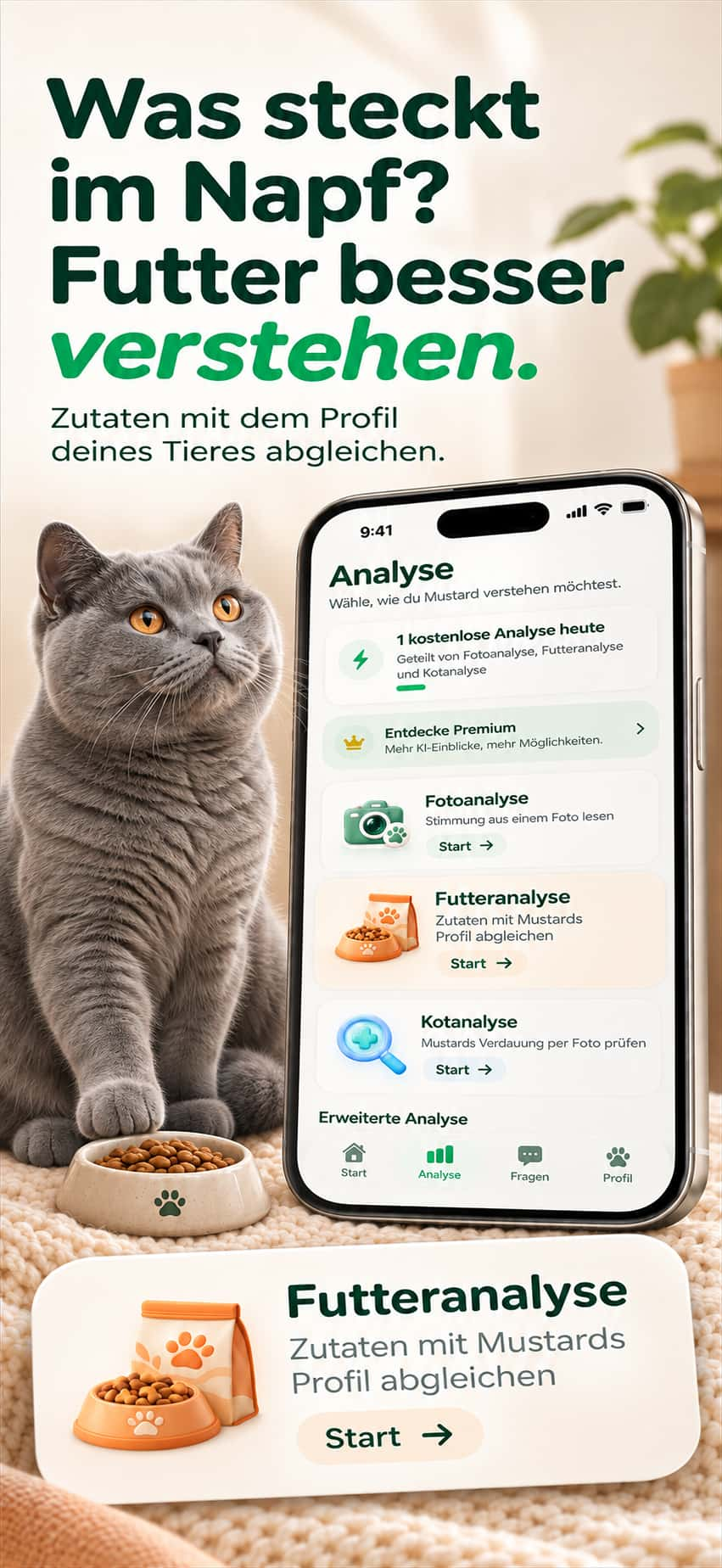
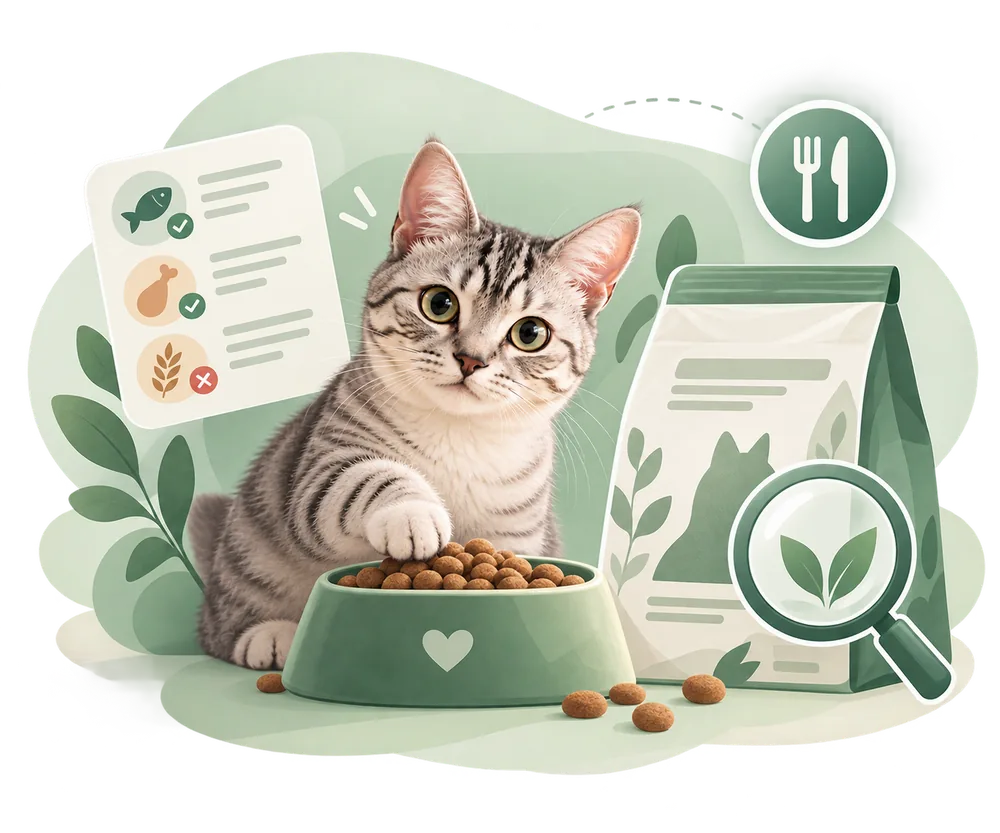
In the food analysis, you photograph the packaging details and receive AI-assisted explanations of ingredients and nutritional information. This helps to understand unknown terms and ask more targeted questions to manufacturers or the clinic.
Photograph the label sharply and completely. Compare the recognized details with the package before relying on an explanation. Tasma can neither guarantee tolerability from a photo nor detect an allergy.
The FEDIAF explanation on food labels explains composition, additives, analytical constituents, and feeding instructions. These details explain the product; an individual feeding decision also depends on your cat.
Digital documents supplement the official pet passport
Saved vaccination information and documents are practical when you want to find documents again or prepare for an appointment. Check the date and name on the original for every entry.
Special requirements apply to travel. The EU information on traveling with pets explains documents and conditions for cats. A digital entry in Tasma does not replace a required EU pet passport. Clarify the conditions for your specific trip in good time.
Which is the best pet app for your cat?
Tasma is a suitable option if you are looking for a care assistant for iPhone or Android that bundles profiles, vaccination records, reminders, and food explanations. The best choice depends on which of these tasks you actually want to do.
Anyone exclusively looking for games on the tablet or GPS tracking has different requirements than someone who wants to organize health information. Therefore, decide based on the concrete purpose and the currently described functions, rather than a flat-rate ranking.
AI outputs are hints for classifying information. They do not replace a veterinary examination and confirm neither a diagnosis nor the safety of a food. In case of health complaints, contact your veterinary clinic. If you have questions about usage, Tasma support can help.
Start with Tasma in just a few minutes
Install Tasma via the appropriate store and create the cat profile. Then add an existing vaccination entry or a scheduled appointment. Only then should you try out another function, such as the explanation of a food label.
Check once a week whether new documents or changed appointments need to be entered. A small, regular care routine keeps your information more helpful than an extensive profile that is later no longer updated.
Frequently Asked Questions
What does a cat app like Tasma do?
Tasma helps organize pet profiles, vaccination information, reminders, and food details. AI explanations supplement care but do not replace veterinary advice.
Is there an app for cats on iPhone and Android?
Yes. Tasma is available for iOS and Android. The linked store pages show current device requirements and version information.
Can Tasma be used for free?
Tasma offers free usage options and premium functions. Current prices and usage limits can be found in the app and the respective store.
Can Tasma detect if my cat is sick?
No. AI-assisted explanations and observations are not a secured diagnosis. Have health complaints checked by a vet and use saved information to support the conversation.
Does Tasma replace a vaccination passport?
No. Digital entries supplement your documents. Keep official original documents and check applicable requirements before a trip.
Tasma provides informational AI assistance and does not replace professional veterinary care. AI can be wrong. For health concerns, consult a veterinarian; urgent symptoms need immediate veterinary care.