Dog Daycare App: A Calmer Way to Prepare for Drop-Off
Looking for a dog daycare app? Learn how to organize vaccination records, care reminders and handover details, and where Tasma fits into your routine.
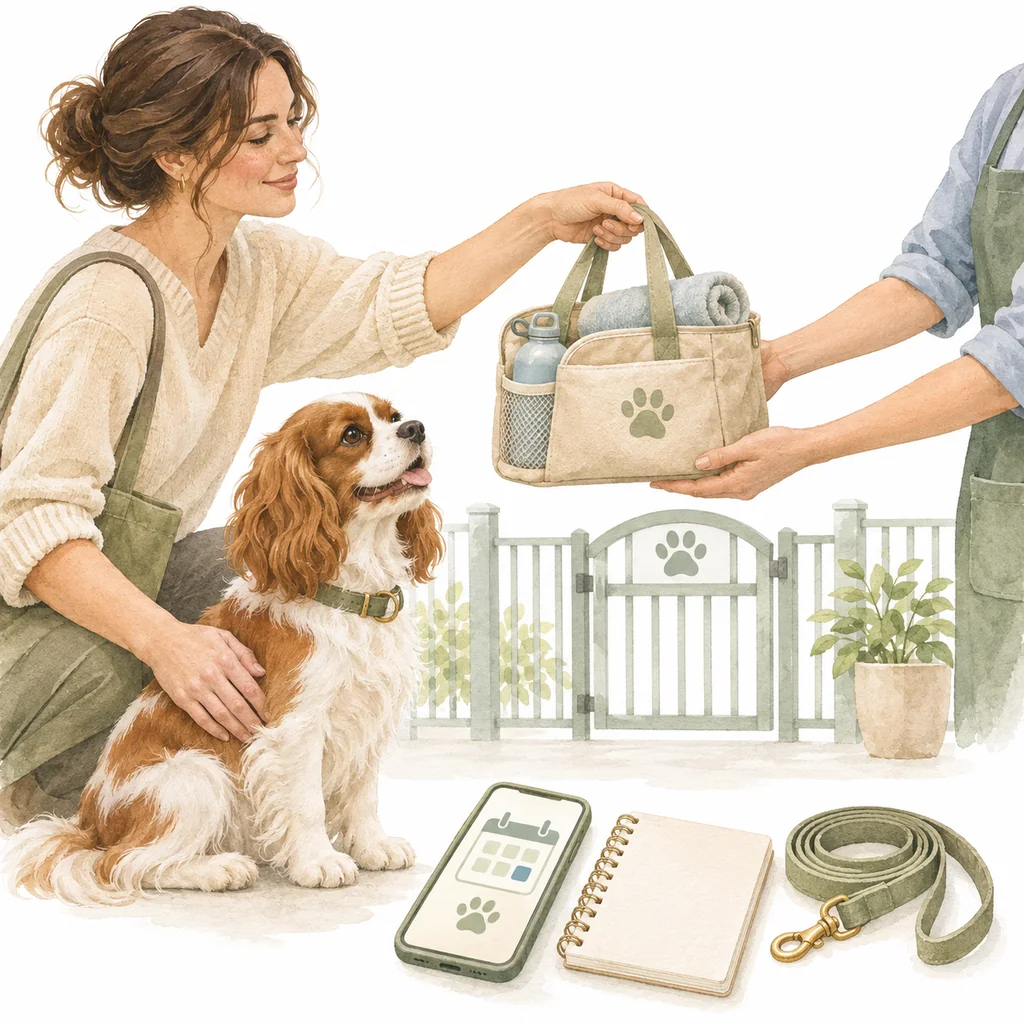
A dog daycare app can mean two different things: software for booking and running a daycare, or an owner's tool for organizing the information a caregiver needs. Knowing which one you want saves time and helps you choose features that solve a real problem.
For owners, preparation often matters more than another notification. Vaccination details, familiar routines and clear instructions can make the morning handover less rushed. Tasma supports that preparation through pet profiles, vaccination and health records, and care reminders. It does not book daycare places or manage a daycare business.
What should a dog daycare app help you organize?
Start with the task you need to complete. Booking availability, payments and staff messaging belong to the provider's booking system. Your own pet care organizer serves a different purpose: keeping the facts about your dog together between visits, even when your care arrangements change.
A useful preparation checklist includes your dog's identification details, vaccination information, emergency contacts and the instructions you have agreed with staff. Keep official documents available in the format the provider requests. A digital entry is a useful reference, but acceptance of vaccination evidence is the daycare's decision.
Dog daycare preparation starts with the provider
Before choosing software, choose care that suits your dog. Ask how staff introduce newcomers, organize rest periods and respond when a dog needs space. The RSPCA's guide to choosing boarding kennels and daycare highlights assessment, behaviour monitoring and access to a safe retreat. Its licensing discussion concerns England; requirements differ elsewhere.
Battersea's guide to finding a walker, daycare or sitter recommends visiting the premises and checking insurance, staff experience and arrangements for play and rest. Use those conversations to decide whether group daycare fits your dog, rather than assuming a lively setting suits everyone.
Keep dog vaccination records ready for check-in
Ask the daycare for its admission checklist before the first visit. Confirm which documents it needs, how recent they must be and how to submit them. Discuss vaccination decisions and timing with your veterinarian; an app cannot decide whether your dog meets a particular facility's health requirements.
Tasma lets you record vaccination information and set care reminders. Check each saved date against your veterinary paperwork, and revisit the details when something changes. Treat reminders as an extra prompt alongside your calendar and clinic advice, especially when admission depends on a deadline.
Related reading: Organize vaccination records with a dog health app.
Build a clear daycare handover routine
Prepare a short handover note outside any booking confirmation. Include the food you have packed, the instructions staff have accepted and a contact who can respond during the day. If medication is involved, follow your veterinarian's directions and the provider's documented procedure rather than relying on a casual message.
At drop-off, mention what has changed since the last visit. A new routine or a concern you noticed at home is easier to discuss before staff become busy. At collection, ask what your dog ate, how rest went and whether anything needs following up. Agree on the provider's communication channel; do not assume separate apps exchange information automatically.
Where Tasma fits alongside a dog daycare app
Think of Tasma as your owner's care companion alongside the daycare's system. Pet profiles bring together details you choose to add, while health records and reminders help keep routine care organized. You can consult those details when preparing a handover, then provide staff with the information they request through their usual process.
This distinction keeps expectations clear. Tasma is not presented here as a booking marketplace, a live daycare camera or a shared staff dashboard. Organizing your records does not automatically send them to a caregiver. Decide what is relevant and check how the provider wants to receive it.
Explore the tools: See Tasma's pet profiles, health records and reminders.
Want your dog's care details closer at hand before the next drop-off? Explore Tasma on the App Store or Google Play.
Frequently asked questions about dog daycare apps
What is a dog daycare app?
It may be a daycare's booking and communication platform, or an owner's preparation tool. Check which tasks it actually supports. Records, reservations and staff management are different functions.
Can I book dog daycare through Tasma?
Tasma is a pet care companion, not a daycare booking service. Arrange availability, payments and attendance directly with your provider through its preferred system.
Can a dog daycare app replace vaccination certificates?
Do not assume an app entry replaces official evidence. Ask the daycare which veterinary documents it accepts and keep those available. Use saved dates as references, checked against the original records.
What should I prepare before my dog's first daycare visit?
Confirm admission requirements, contacts, feeding arrangements and the handover process. Discuss your dog's needs with staff and agree how they will update you. Pack the items they request.
How can care reminders help with daycare preparation?
They can prompt you to review records or complete an agreed preparation task. Check reminder settings and keep a backup for important deadlines. A reminder does not confirm admission or veterinary fitness.
Tasma provides informational AI assistance and does not replace professional veterinary care. AI can be wrong. For health concerns, consult a veterinarian; urgent symptoms need immediate veterinary care.