How secure are pet apps in protecting my pet's personal information?
Learn how to assess pet app privacy, permissions, AI uploads and deletion controls, with a clear look at how Tasma handles pet information.
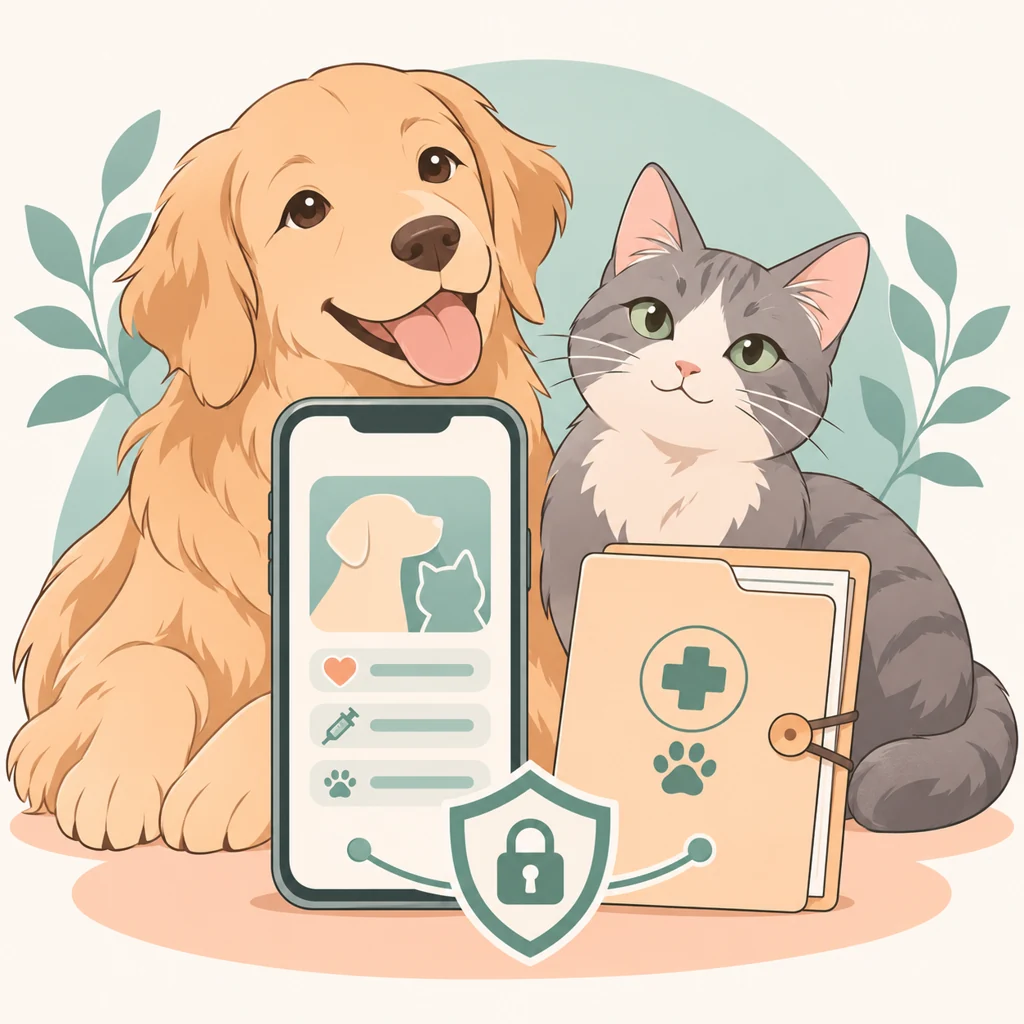
Pet apps can help protect information through limited permissions, secure connections and clear data controls, but no app is risk-free. Evaluate each feature separately: a vaccination reminder may use local records, while an AI question may send information to an external provider. Download popularity alone does not establish security.
So, how secure are pet apps in protecting my pet's personal information? The useful answer starts with a data map, not a reassuring badge. This guide explains pet app privacy through practical checks and Tasma's published disclosures, reviewed on November 17, 2026.
Why pet app privacy also matters to owners
A pet's name is only part of the picture. A vaccination document might display your address, a clinic invoice could include contact details, and a photograph may show your home. Combined records can reveal more about a household than one isolated entry.
Keep useful care information, but avoid adding unrelated identifiers or documents. Before uploading a photograph, check backgrounds, paperwork and visible faces as well as your pet. Treat shared Digital Pet ID details as information intended for the people receiving them.
How to assess pet app data security
Start with three questions: What stays on my phone? What leaves it when I use this feature? Who receives that information? A useful privacy policy answers these questions separately and explains retention, deletion and support contacts.
Check permissions and protection claims
Camera access can support a photo tool; microphone access can support recording. Those purposes do not automatically justify permanent access to everything. The FTC guide to app data collection recommends reviewing smartphone permissions and disabling unnecessary access.
Encrypted transport protects information while it travels. It does not, by itself, mean a provider cannot process it. Ask what is protected on the device, during transmission and after arrival, rather than treating every mention of encryption as the same promise.
Look beyond the visible photo
The Canadian Centre for Cyber Security's app privacy guidance highlights metadata, including location information embedded in files. Review what you upload and whether the chosen app explains metadata handling. Also ask how provider retention and cross-border processing work.
How Tasma describes handling your pet information
Tasma combines pet profiles, vaccination reminders, weight history and care tools. Its current policy describes profiles, health records, documents, reminders and chat history as stored locally, without an automatic cloud backup. Local storage reduces some sharing, but it also makes device protection and keeping your own important records worthwhile.
Policy reference: Read Tasma's Privacy Policy.
That policy distinguishes local records from AI requests. Ask Tasma can send recent conversation text, relevant active-pet context and an attached photo for processing. Photo analysis sends the selected image; video analysis sends extracted still frames rather than the complete video. Choose the content you submit accordingly.
Tasma describes HTTPS connections and does not claim end-to-end encryption. It also states that personal information is not sold or used for advertising. These are published disclosures, not a claim of an independent security audit. Provider retention depends on processing arrangements; immediate deletion from every server is not promised.
Use Tasma with a deliberate sharing routine
For everyday organisation, keep profiles accurate and use reminders to support your routine. When using Ask Tasma or a media tool, include the context needed for that question without unrelated personal details. AI-assisted information supports care organisation; it does not replace veterinary advice.
Protect your phone with a passcode, install updates and revisit permissions periodically. Before handing over a phone or sharing a record, check what else is visible. If you use optional sign-in, also review the provider's account protection settings.
Compare the tools: See Tasma's pet care features.
Five questions about pet app privacy and security
How secure are pet apps in protecting my pet's personal information?
Security varies by app and feature. Check storage, permissions, network processing, provider access and deletion controls. No responsible assessment can guarantee zero risk simply because an app is available in an official store.
Does Tasma keep every pet record in the cloud?
Its current policy describes core pet records as local, without automatic cloud backup. Using an AI feature can send selected content and relevant profile context outside the device. Local records and remote processing are different parts of the same app.
Does an AI pet assistant need my full personal history?
Avoid submitting unrelated personal history. Give relevant pet context and check attached images first. An assistant may process conversation context, so review the app's disclosures before treating a chat as private only to your phone.
Is HTTPS the same as end-to-end encryption?
No. HTTPS secures the connection to a service. End-to-end encryption is a separate claim about who can access content. Tasma's policy explicitly avoids claiming end-to-end encryption; AI providers must process submitted requests to return results.
What should I check before deleting a pet app?
Keep copies of important records and review local-data and optional-account deletion instructions first. Removing an app is not proof that every provider copy has disappeared. Ask support about outstanding privacy requests, and manage any subscription separately through the store.
Tasma provides informational AI assistance and does not replace professional veterinary care. AI can be wrong. For health concerns, consult a veterinarian; urgent symptoms need immediate veterinary care.