Dog and Cat Vaccination Records: A Simple Guide for Pet Owners
Organize dog and cat vaccination records, keep clinic documents handy and manage care reminders. A practical guide to clearer pet health records with Tasma.
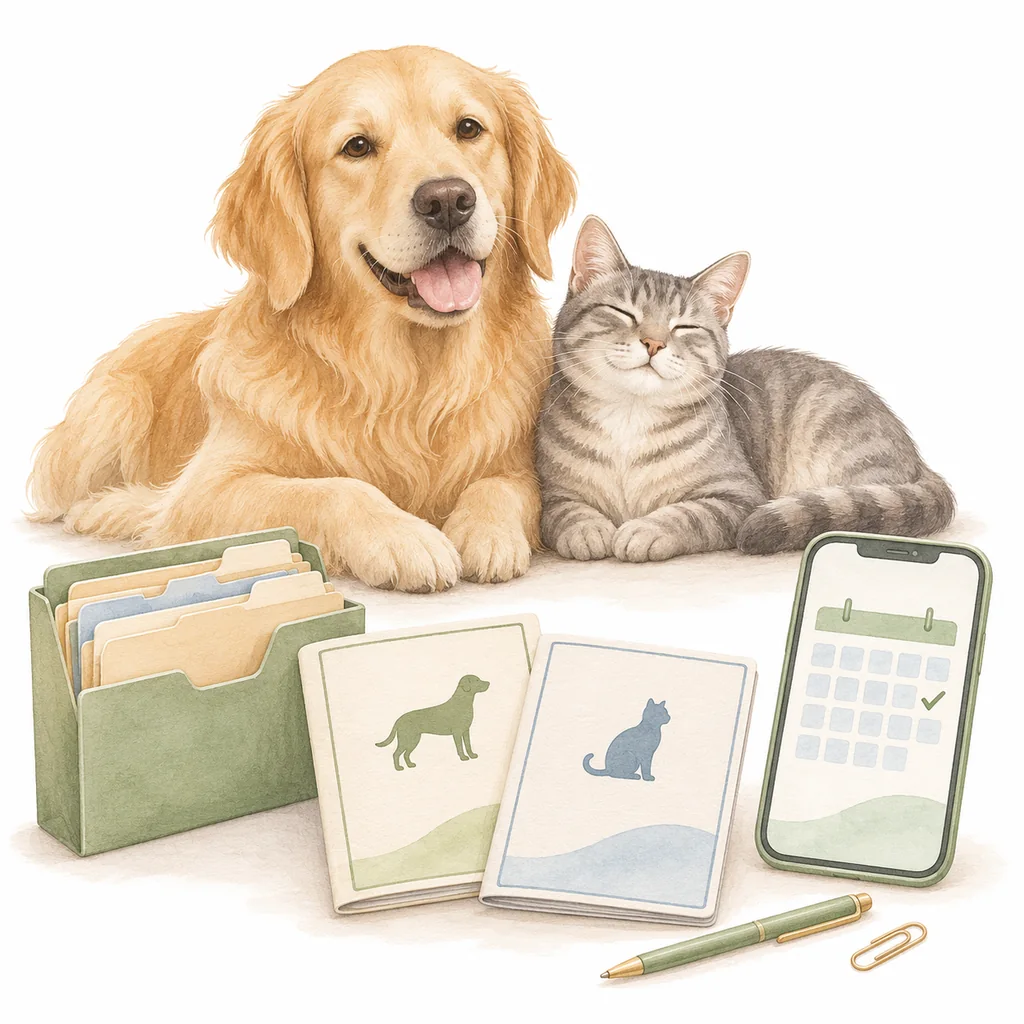
Dog and Cat Vaccination Records bring together the vaccination details supplied by your veterinary clinic: which vaccine was given, when it was administered and what follow-up the clinic recommends. A useful owner's record stays linked to the correct pet and the original paperwork. It is a reference, not proof that an animal is protected against every disease.
The practical benefit is simple: less searching before appointments, daycare check-in or a change of veterinarian. With a dog and a cat at home, separate records also help prevent one pet's dates from becoming another pet's reminders.
What should Dog and Cat Vaccination Records include?
Begin with documents from the clinic, rather than a schedule found online. For each pet, keep the name and identifying details beside the vaccine name, administration date, clinic contact and any next-due date the veterinary team supplies. Retain certificate numbers or other identifiers when they appear on the original document.
Keep two dates distinct: the day a vaccination happened and the date the clinic recommends for the next action. A planned appointment is not a completed vaccination. If an abbreviation or handwritten date is unclear, ask the clinic to explain it before adding an entry.
Dog vaccination records and cat vaccination records need separate plans
Dogs and cats should not share a copied vaccination timetable. The American Veterinary Medical Association's vaccination guidance explains that veterinarians recommend individualized plans based on circumstances such as lifestyle and exposure. A date that is appropriate for one pet is not automatically appropriate for another.
The American Animal Hospital Association's vaccination position also places vaccination within an individualized preventive care plan and recommends assessing needs at least yearly. Use a review as an opportunity to discuss changes in health, home life or travel. It does not mean every vaccine must be given annually.
How to organize pet vaccination records without mixing them up
Give each animal a clearly named record, even when they attend the same clinic. Before entering a date, check the pet's name and identifying information on the document. Keep older entries as history instead of replacing the last vaccination date with a future appointment.
Choose a consistent way to write dates. Spelling out the month can help when documents use different day-and-month conventions. When two copies disagree, keep the discrepancy visible and ask the issuing clinic to confirm the correct information. A tidy record should preserve uncertainty rather than hide it.
Missing documents? Ask the clinic before filling the gaps
If you cannot find a certificate, contact the practice that administered the vaccination and request the available record. When adopting a pet, gather the paperwork supplied by the rescue or previous owner and ask your veterinarian to review it. Do not invent a date from memory to make the history look complete.
For a new veterinary practice, ask how it prefers to receive previous records and whether it needs your permission to request them. Your own summary can help organize the conversation, but the clinical team should assess incomplete or conflicting history and decide what comes next.
Use vaccination reminders as prompts, not medical decisions
Set reminders around the dates your veterinary team provides, then check them against the original paperwork. If the plan changes, update the reminder as well as your notes. Keep a second prompt for time-sensitive arrangements; phone settings and missed notifications can interrupt an otherwise sensible routine.
Before daycare or boarding, ask the provider which documents it accepts and when it needs them. A personal app entry does not automatically satisfy its admission process. Confirm requirements directly rather than assuming a calendar check mark means everything is approved.
Related reading: Prepare your records and handover routine for dog daycare.
Keep everyday care organized with Tasma
Tasma offers pet profiles, vaccination and health records, and care reminders. Use those tools to keep the details you enter associated with the right companion, then compare them with clinic documents when preparing for a visit. Information you add still needs to be accurate and kept current.
Dog and Cat Vaccination Records are most useful when they support a real conversation with your veterinarian. Tasma helps with organization; it does not certify vaccination status or select a medical schedule. Keep original documents available whenever a clinic or care provider requests them.
Explore the tools: See Tasma's vaccination records and care reminders.
Want a clearer place for your pets' everyday care details? Explore Tasma on the App Store or Google Play.
Five questions about Dog and Cat Vaccination Records
What are dog and cat vaccination records?
They document vaccinations for a particular pet, including the vaccine and date given. Keep clinic-issued documents alongside your own summary and any follow-up dates supplied by the veterinary team.
Can my dog and cat use the same vaccination schedule?
Do not copy one pet's schedule to another. Your veterinarian should advise on each animal's plan, taking its species, history and circumstances into account.
What if I lose my pet's vaccination certificate?
Ask the issuing clinic for the available record or replacement documentation. If the history cannot be confirmed, tell your veterinarian what you know and let the team assess the next step.
Do digital pet vaccination records replace official paperwork?
An owner-entered app record is a convenient reference. Do not assume it replaces a certificate or the documents a clinic, daycare or boarding provider specifically requests.
Can Tasma remind me about vaccination-related dates?
Tasma supports care reminders and vaccination records. Enter the dates agreed with your veterinary team, review them when plans change and keep a backup for important deadlines.
Tasma provides informational AI assistance and does not replace professional veterinary care. AI can be wrong. For health concerns, consult a veterinarian; urgent symptoms need immediate veterinary care.